Three Steps Before You Open a Gen AI Platform for a Client
The biggest mistake when working with clients and Generative AI doesn't happen during the generative session itself; it happens before, when you open the platform without first understanding the brief.
That may seem minor, but it isn't. The generative session's output depends on how well the person in charge understands the client's requirements, and no platform offers that kind of understanding. When you're a generative photographer who is taking on client work using Generative AI, these are the three steps that we teach before you open Midjourney, Runway, or any other platform.
#1: Read and Fully Understand the Brief
Go through the client's brief until you are able to close the document and explain the photographs you need to produce without having to look at it again. Summarise in a few sentences what the photographs need to achieve for the brand, the standard they have to meet, and the defects you will be looking for.
Client work usually doesn't begin like this. Instead, it begins by having the brief open in one window and the platform in another, so that as the prompt is being generated, the brief is being interpreted. The most important points — such as the visual standard implied by the brief but not stated outright, the audience, and the sort of feeling the photographs have to convey — seldom come to light on the first go-round and are only discovered during the second and third passes.
#2: Write Prompts that include Generative Direction
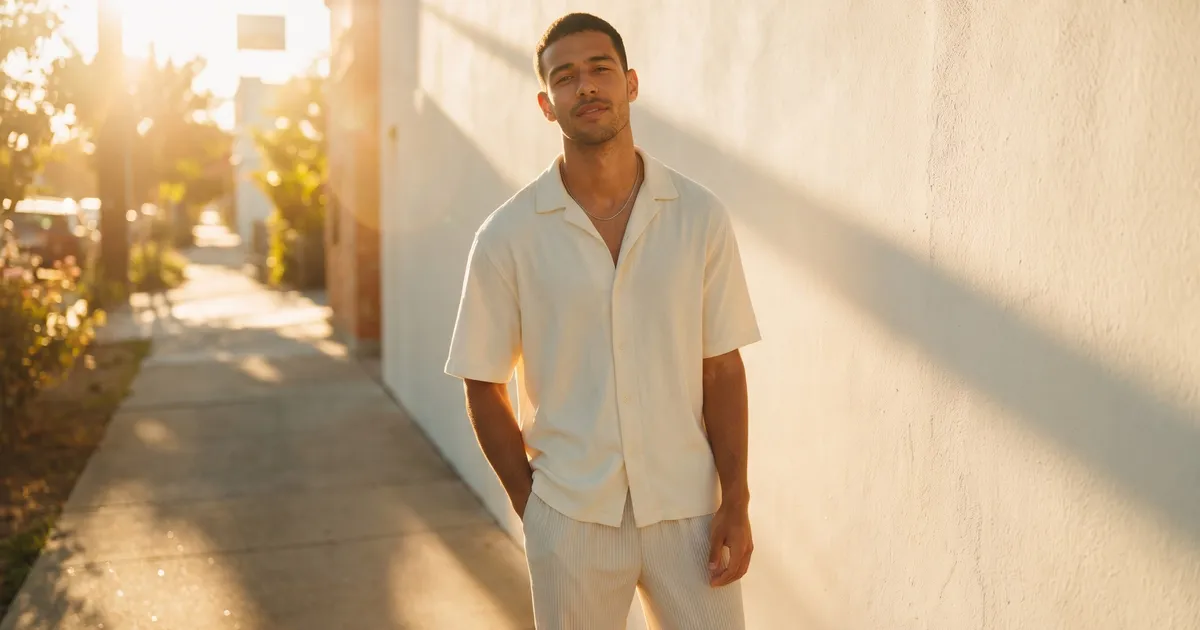
The brief states that it wants 'warm, approachable lifestyle photography which places our product into a real person's day'—that is a desired creative outcome. Generative Direction then translates this from the client brief into the kind of language that a prompt can use.
For example, instead of using studio lighting, it specifies warm ambient lighting. Rather than featuring an 'aspirational talent model', it calls for one with 'a loose and unposed energy'. Instead of having the product at the center of the frame, it should be incorporated as part of the surroundings.
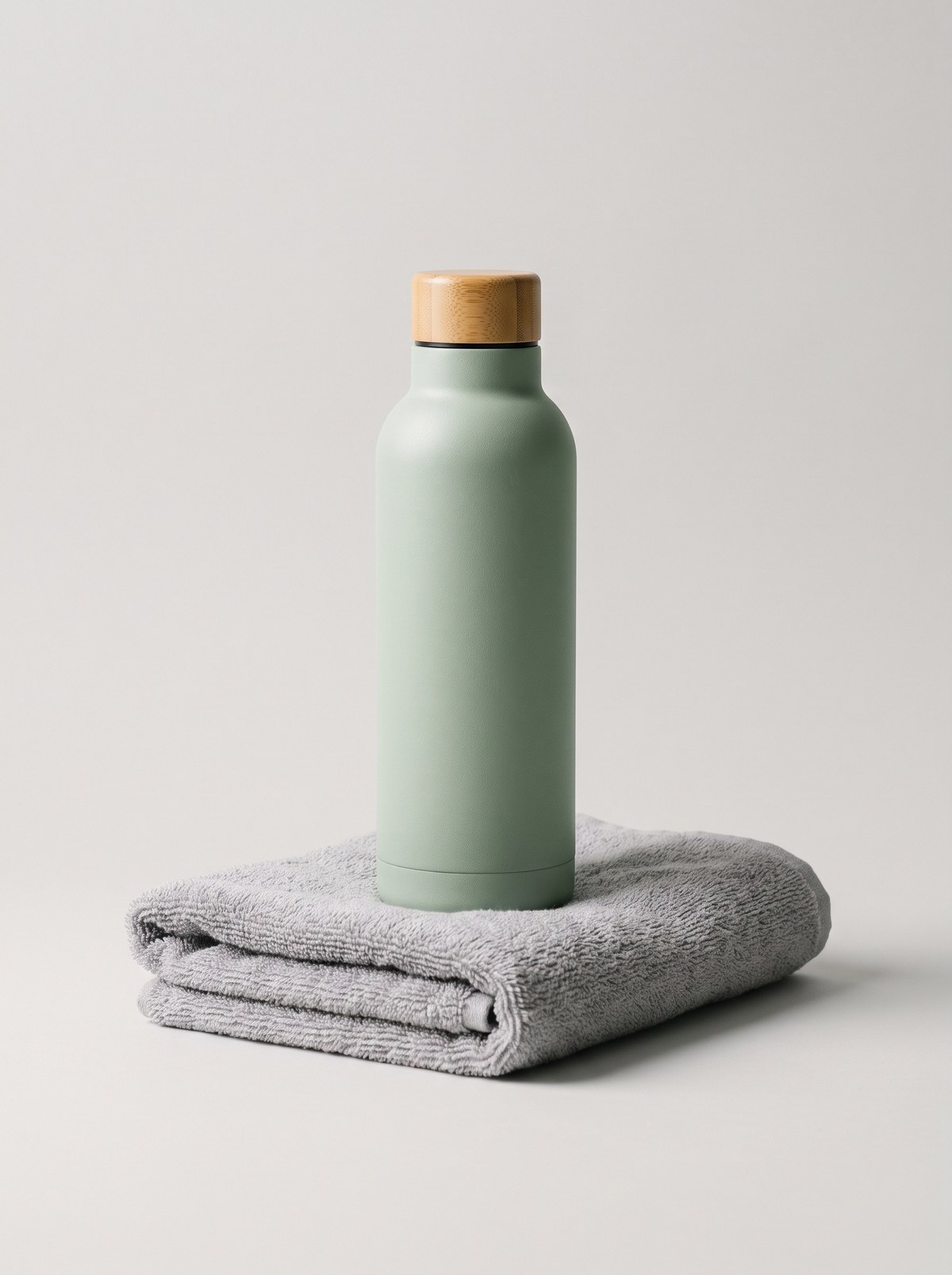
As for the defects to avoid, these are plastic skin, studio-like highlights, and a restricted pose.
Make a note of them when you are producing the response. The instruction to write this down has two functions:
- it ensures that a high level of specificity is included in the prompt at the beginning of the session
- it provides you with a fixed point of reference against which to check generative outputs later on
#3: Set the Standard Before You See an Output
Generative AI has a habit of establishing its own standard. Whenever the initial outputs appear, people tend to compare them and select the one they regard as the best. It is precisely this way that an AI-based image which would have failed to meet the requirements ends up being delivered: it was the 'least worst' option among a poor collection.
Start by establishing the standard criteria—this includes the type of lighting that is acceptable, the required quality of skin and texture, and the kinds of compositions that are on-brand. The audit then serves as a check against this fixed standard, and it is based on the photos that have passed this check during the Generative Curation stage.
Put another way—the client is not paying for the platform; they are paying for three things that a platform is incapable of doing on its own: understanding their brief, steering the process in that direction, and assessing the results.
Our article 'How to Ensure Clients Trust Your Gen AI Skills' explains how to make that assessment visible to the client.
To finish with an example, a photographer doesn't go onto a set and begin a generative shoot to find out what happens; instead, they are there having received the creative brief, with a lighting plan and a standard for the work that is to be delivered.
Join our Community and watch our next free Generative Photography webinar to see Generative Direction at work: genphotography.com/community