What Content Creators Should Know Before Switching to Gen AI
A generated image costs less than fifteen cents. A concept can be tested in an afternoon, and the output can look better than what a home camera setup produces. No wonder content creators are shifting from camera-based photography to Generative AI faster every quarter.
The switch isn't as simple as opening Midjourney and starting to generate, though. Creators who switch without knowing what changes, and what doesn't, hit the same quality limit as everyone else on the platform. If you're a content creator weighing the switch, here's what changes and what stays the same.
The Camera's Constraints Are Replaced by the Prompt's
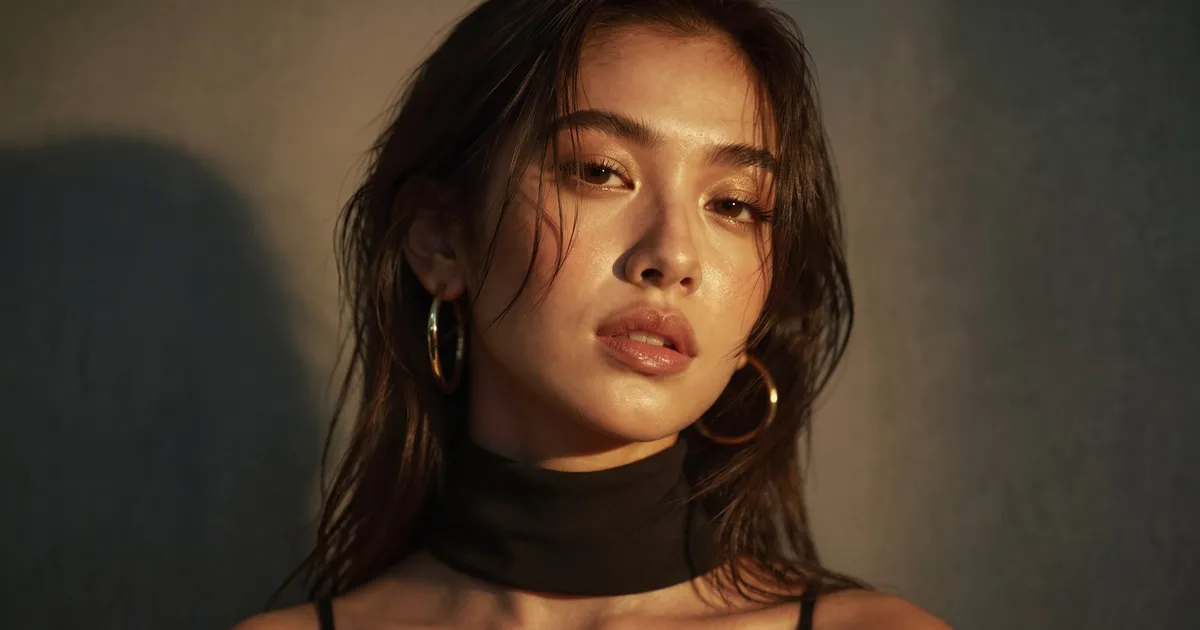
The first change is what produces the image. With a camera, the location, the lighting setup, and the talent's performance set the limits, and the shot is whatever stood in front of the lens. With Generative AI, an AI model such as Nano Banana or FLUX produces the image from a prompt you write in the platform. The only limit is how specific that prompt is. Write a vague one and you get the model's average. Write a specific one, as Generative Direction, and you get a photorealistic image.
The second change is quality control. A camera can only capture what was there. An AI model can return anything: a hand with six fingers, a watch strap that melts into the wrist, or a face that changes between shots of the same set, which is known as model drift. Auditing every output against a standard becomes a step of its own, because these defects don't announce themselves; they sit in an otherwise good image until a viewer spots them.
The third change is that you have to write the direction down. On a camera shoot you set up the shot, check it, adjust, and shoot again, so the direction lives in your hands. In a generative session it lives in the prompt. Leave it out, and the AI model fills the gap with its default.
What Doesn't Change Is What Makes an Image Work
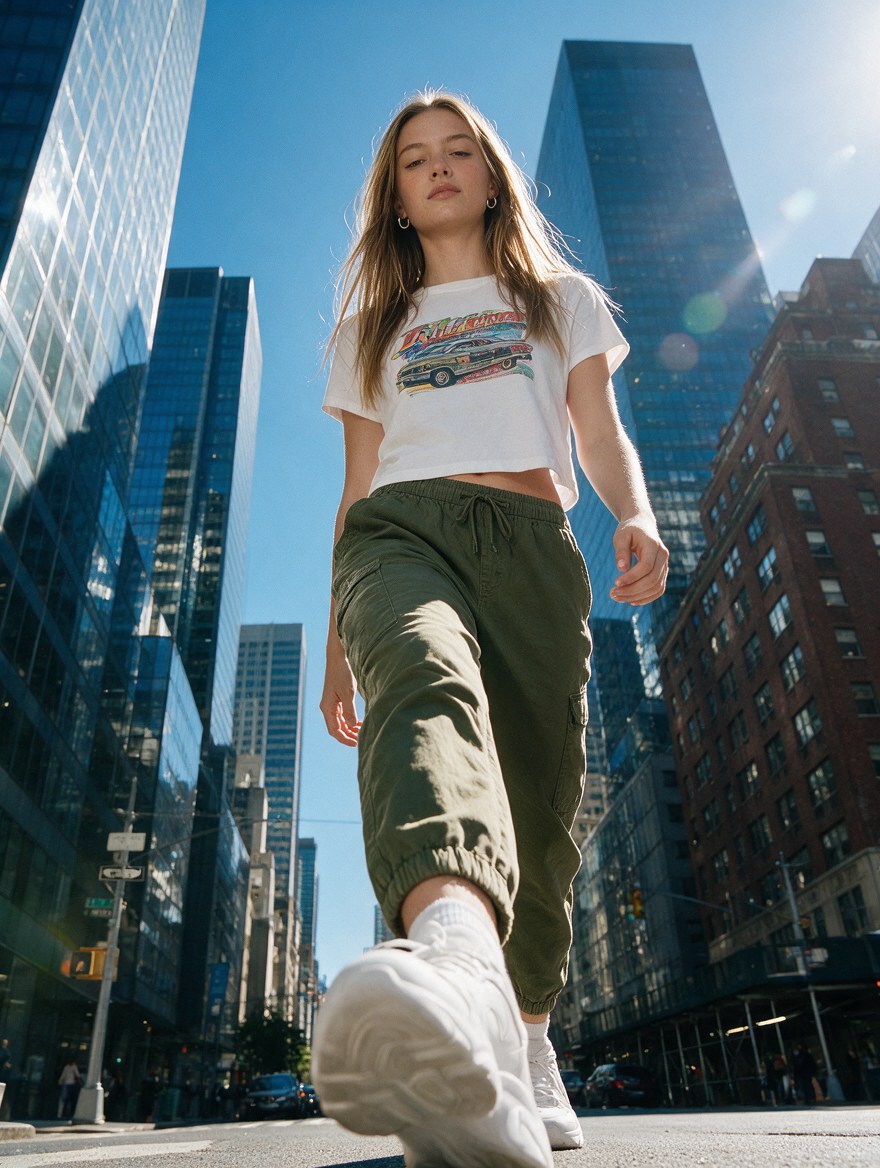
Composition still matters. Lighting still matters. So does the way a subject engages the camera, and the story between the product and its setting. None of this changed because the thing making the image changed.
Here's what this means if you've spent years behind a camera: you already know how to look at a shot and say what's wrong with it. The lighting's too flat, the pose is trying too hard, the background is fighting the product. That eye is what lets you audit a generative output and know which direction to adjust. What you don't have yet is the skill of writing that judgment into a prompt, which is Generative Direction. It's a new skill, and it's the one we teach.
Build the Brief Habit Before You Switch
The most useful thing to build before you switch is a brief for your own content. Before each generative session, write down what the image needs to say, the standard it has to meet, and what you'll reject. It's the same thing you'd do scouting a location before a shoot, except you write it down, because the AI model has no idea what you intend and a camera never needed telling.
The platform can be picked up quickly. Learning to direct it takes longer, and it's what determines whether your generative work holds up next to your best camera work. We laid out the three steps in 'Three Steps Before You Open a Gen AI Platform for a Client'.
To finish with an example, switching cameras never made anyone a better photographer; knowing what to do with the camera did. Switching to Generative AI works the same way. The creators building Generative Direction now are getting ahead of the ones still treating the platform as the skill.
Download our free guide 'How To Escape Generative AI Slop' for the direction techniques that keep generative work from looking generated: genphotography.com/asset/fakeslop