Why Your AI Product Photos Look Unrealistic (and How to Fix It)
Everyone knows the look. Skin that's too smooth, highlights that are too clean, a surface that feels rendered rather than photographed. Brand teams spot it in review, and consumers spot it on the product page.
What's less understood is where the plastic look comes from, and why switching Generative AI Models or platforms almost never makes it go away — we covered the platform-switching instinct in 'Why Gen AI Comes Back Off-Brand — and Platforms Won't Fix It'. Let me explain, because how you understand it changes what you do about it.
The Plastic Look Is the Model's Default
A Generative AI model learns from an enormous library of photographs, and in fashion and beauty, a large share of those photographs were retouched before they were published. Smoothed skin, softened pores, lifted highlights. The model learned that this is what a 'good' photo looks like.
So when a Gen AI model runs a prompt with no generative direction, the model returns its default: the retouched average. The output is technically clean and slightly unreal at the same time. Every major platform learned from broadly the same kind of photography, which is why the plastic look follows a brand from one platform to the next.
Here's the takeaway: the default isn't a fault of the Gen AI platform, but what any Generative AI model does when nobody tells it otherwise. In other words, without specific generative direction, the model returns an average of 'good'— the fix is generative direction.
Generative Direction Avoids the Average in Three Ways
The first happens before AI image generation. Before ever typing a prompt, a Generative Photographer determines how to set lighting and surface direction that pulls the AI-generated image away from the retouched default — lighting that keeps highlights honest, texture direction that keeps pores, fabric weave and natural skin in the frame. Generative direction supports the brief the same way a lighting plan supports a traditional shoot.
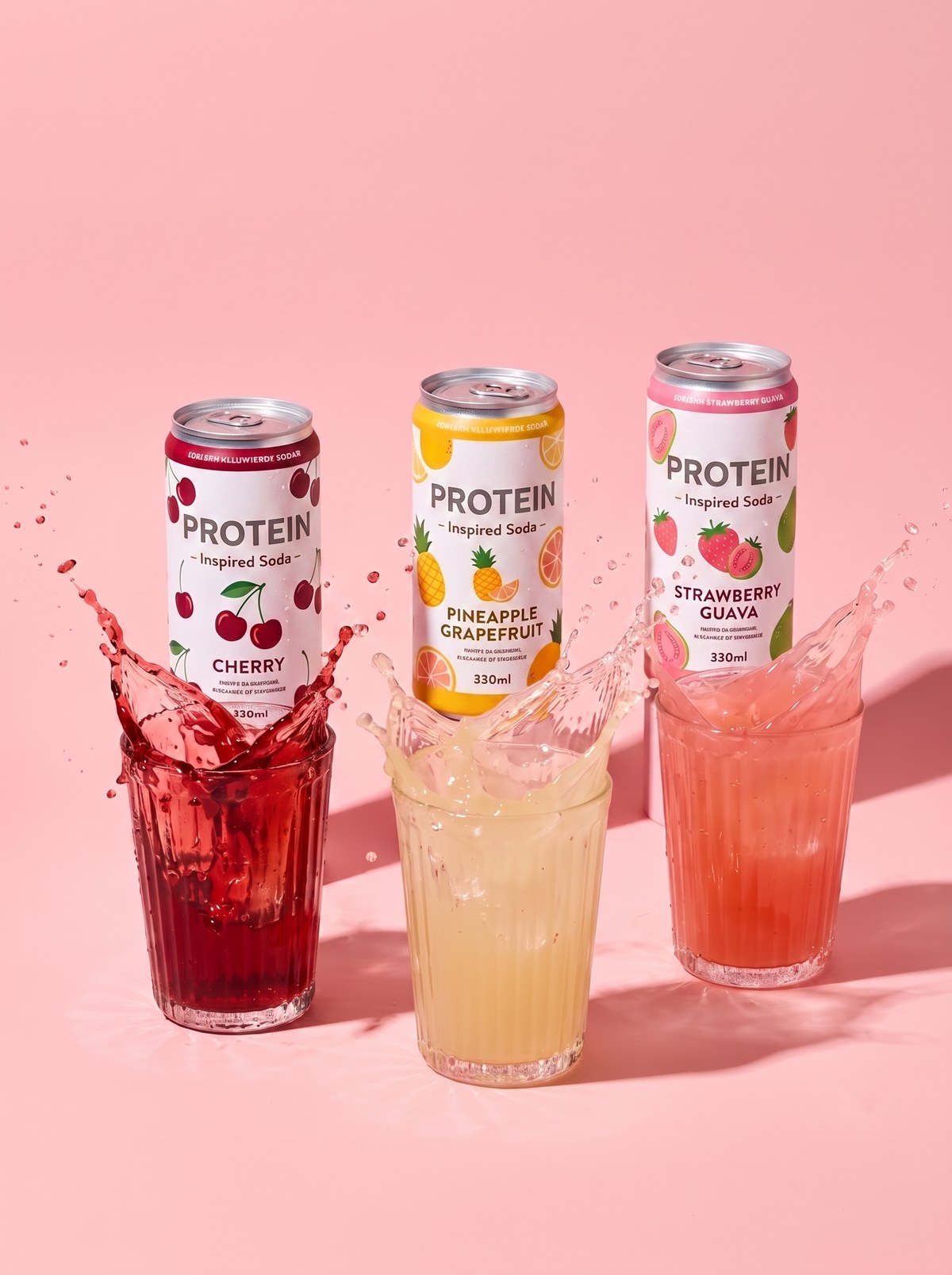
The second happens after generation. During prompting, the AI model will produce multiple outputs from a well-directed generative session. Some will still slip toward a plastic, overly-smooth look. The Generative Photographer audits each image for defects (things that don't look natural/real), and when those show up, adjusts the direction through a process called generative reshooting.
The third happens prior to client delivery. Generative Curation determines which images are selected to show the client. Some outputs pass the audit and still carry a hint of plastic that only shows up at final review, beside the brand's existing photography. Those get cut, and a commercial-grade set ends up being a small fraction of everything the Generative Photographer actually produced.
A Plastic Look Means the Workflow Has No Generative Direction
If your own team describes its AI photos as 'looking like AI', that's useful feedback. It means the workflow is running on generic, 'average' descriptions and a quick pick of the best-looking output, with no direction and no audit in between.
This is the most common state of brands that moved fast into Generative AI. The savings were real and the speed was real, but the quality was limited, because it is determined by the creative direction, not by the platform. The good news is that generative direction can be learned, and the people best placed to learn it are the aspiring photographers, content creators, agencies, and in-house creatives who already know what photorealistic and brand-approved imagery should look like.
Register for our upcoming Generative Photography webinar to see generative direction during a live Gen AI session: genphotography.com/community